
Desktop footprint
Real DTF on a benchtop.
A 33 cm printer that fits on a bench and prints from roll film: the same DTF Station inks, films and powders as the rest of the line, in the smallest footprint.

The easiest way to start.
A compact desktop printer to start or add capacity: small footprint, real DTF quality.
Sold and supported through authorized DTF Station dealers. Find yours for pricing, a live demo and installation.
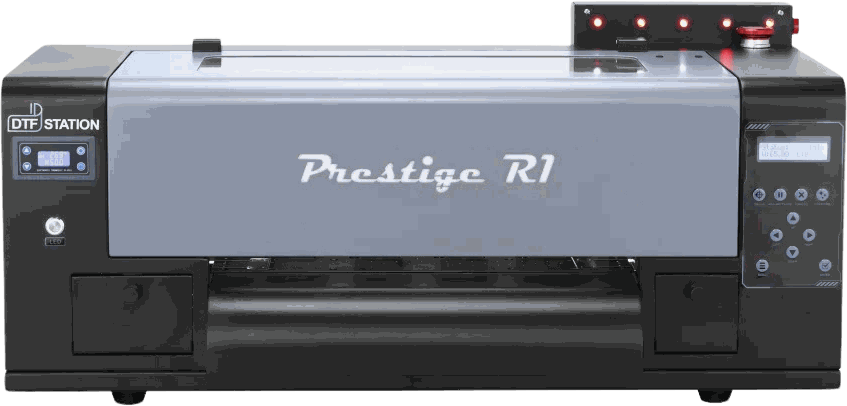
Real DTF quality in a machine that fits on a benchtop: the easiest way to start.
A single Epson F1080 head keeps operation and maintenance straightforward for first-time DTF.
Start here, then step up to the R2 Pro or an XL when your volume climbs.
A 33 cm printer that fits on a bench and prints from roll film: the same DTF Station inks, films and powders as the rest of the line, in the smallest footprint.

A single Epson F1080 head keeps operation and maintenance straightforward for first-time DTF. It parks on its own capping station between jobs and cleans itself automatically.

White pigment settles when it sits. The R1 circulates and stirs it, so the white channel prints dense and opaque on dark garments.

A light for every channel on top of the machine, so a low tank shows before it costs a print.

Five color-coded tanks on the side of the machine, so a glance tells you what is left.

Start on the R1, then step up to the R2 Pro or an XL when your volume climbs. Every Prestige printer runs the same inks, films and powders, so nothing you learn here is wasted.


The shaker and press matched to this printer's width and output.
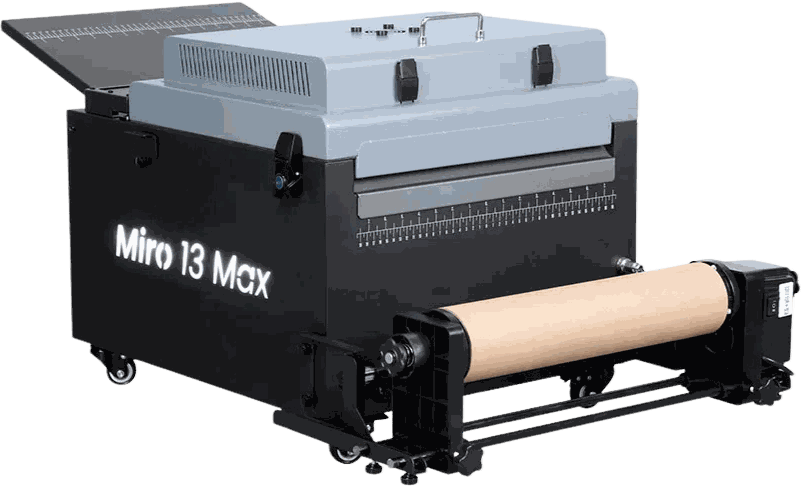
Compact all-in-one powdering and curing for 13-inch desktop printers.
See the shaker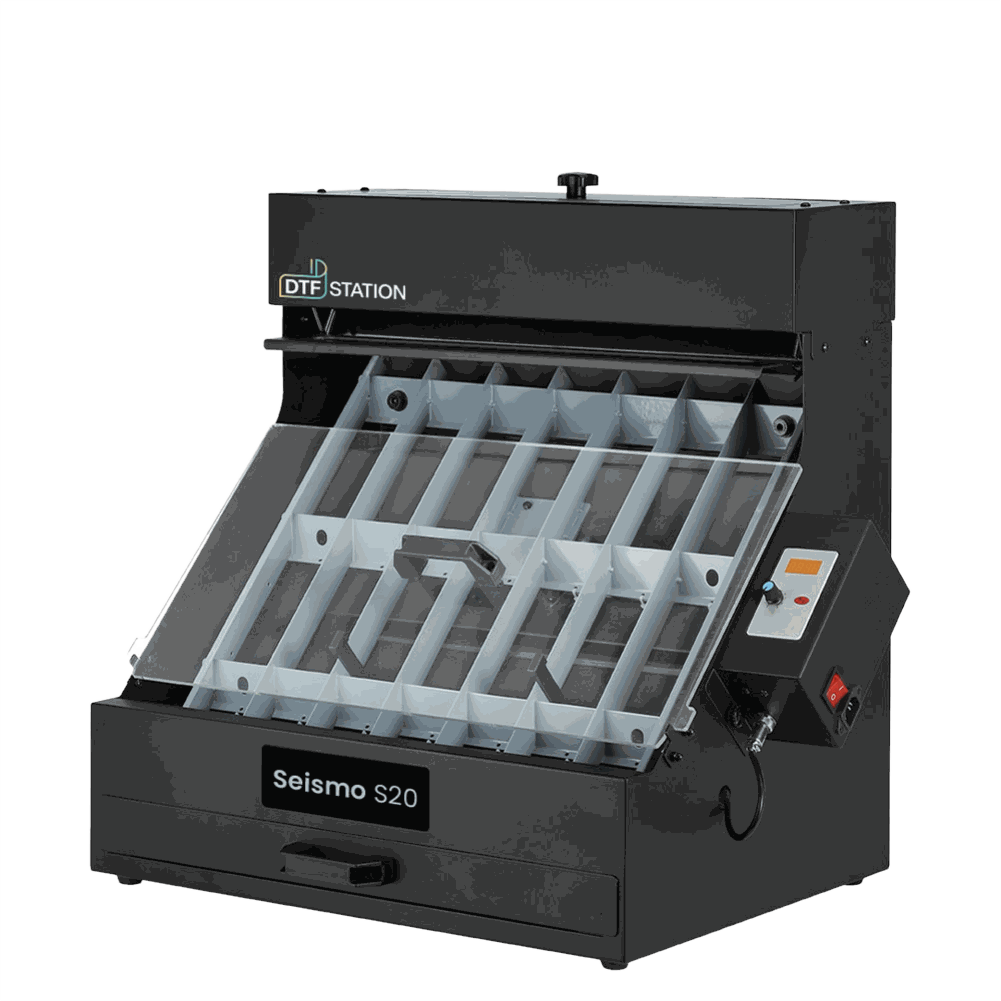
Manual 40 cm powder shaker for the R-series — cures in the Phoenix Air oven.
See the shaker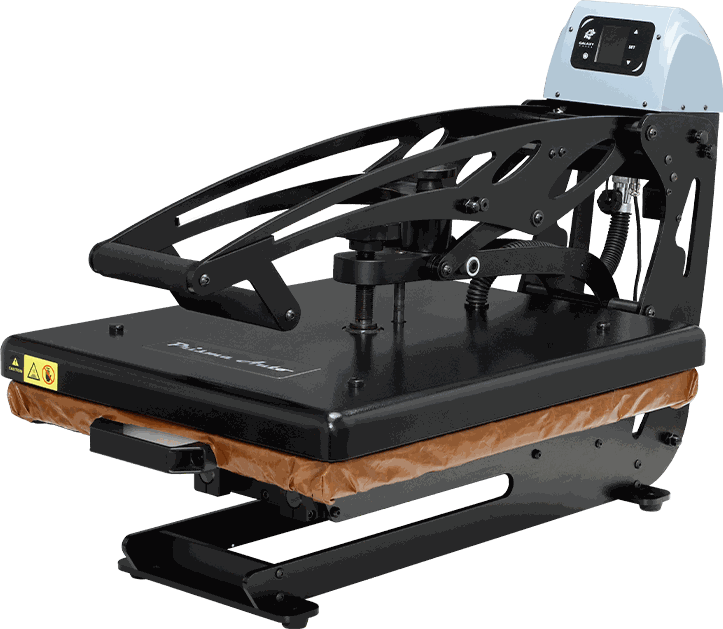
Auto-open heat press with a slide-out platen for safe loading.
See the press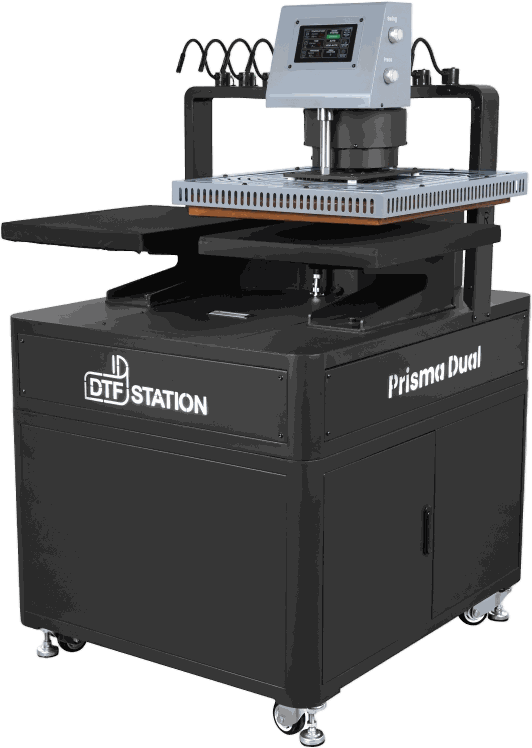
Dual-platen press — load one side while the other presses.
See the pressAsk your local dealer for a live demo and watch it print before you decide, or ask which shaker and press fit your volume.